

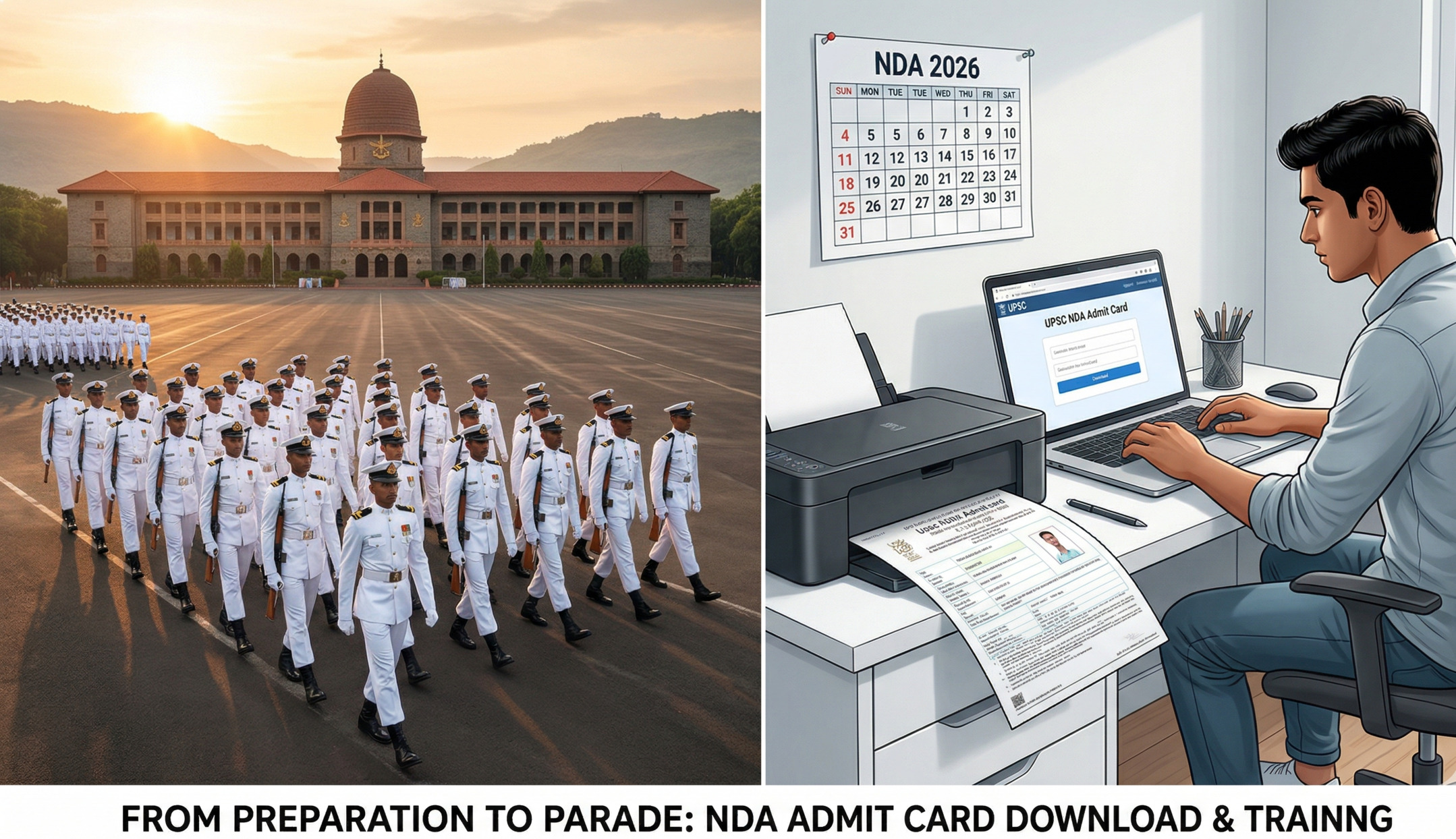
In this comprehensive guide, you will learn everything about the NDA 1 Admit Card 2026: how to download it step-by-step, what eligibility criteria you must meet, key dates, what to do if you spot an error, and what to carry on exam day. Let us get started.
NDA 1 2026 — Quick Overview
The National Defence Academy and Naval Academy Examination (NDA & NA) is conducted by the Union Public Service Commission (UPSC) twice every year. NDA 1 2026 is the first cycle for the year, and it aims to select candidates for the prestigious 157th NDA Course and the 119th Indian Naval Academy Course (INAC), commencing from January 1, 2027.
| Event | Details |
|---|---|
| Conducting Authority | Union Public Service Commission (UPSC) |
| Exam Name | NDA & NA Examination (I) 2026 |
| NDA Course | 157th NDA Course |
| INAC Course | 119th Indian Naval Academy Course |
| Notification Released | December 10, 2025 |
| Application Window | December 10 – December 30, 2025 |
| Admit Card Released | April 2, 2026 |
| Exam Date | April 12, 2026 (Sunday) |
| Exam Mode | Offline (Pen & Paper) |
| Official Website | upsc.gov.in / upsconline.nic.in |
Admit Card Details & Release Date
UPSC traditionally releases the NDA admit card 10–15 days before the written exam. True to form, the NDA 1 Admit Card 2026 was officially made available on April 2, 2026 — exactly ten days before the examination. No physical copies are dispatched by post; all candidates must download the e-Admit Card from the official UPSC portal.
Your hall ticket is valid only if it carries a clear photograph and all personal details are correct. UPSC insists that candidates retain their admit card until the final results are declared, as it may be required during SSB interview rounds too.
What Does the NDA Admit Card Contain?
- Candidate’s full name and photograph
- Roll number and registration number
- Exam centre name and address
- Reporting time and session timings
- Exam date (April 12, 2026)
- Important instructions for the exam day
- Signature of the issuing authority
How to Download NDA 1 Admit Card 2026
The process is straightforward. Follow these steps to download your hall ticket without any hassle:
- Visit the official UPSC website — Go to upsc.gov.in or upsconline.nic.in on your browser.
- Find the e-Admit Card section — On the homepage, look for the “e-Admit Cards” or “Examinations” section in the navigation bar.
- Click the NDA link — Select the link labelled “e-Admit Card for NDA & NA Examination (I), 2026”.
- Enter your login credentials — Provide your Registration Number (or Roll Number) and your Date of Birth, then enter the Captcha code.
- Click Submit — Your admit card PDF will appear on the screen.
- Verify all details — Cross-check your name, photograph, exam centre, and other details carefully.
- Download and print — Save the PDF and take a clear printout on A4-sized paper. A printed copy is mandatory; a digital copy on your phone will NOT be accepted.
Troubleshooting Download Issues
If the admit card page is not loading, clear your browser cache and try again or switch to a different browser.
If login credentials are not working, double-check your date of birth format (DD/MM/YYYY is standard).
For discrepancies in personal details, email UPSC immediately at usnda-upsc@nic.in — do not wait until exam day.
NDA 1 2026 Eligibility Requirements
Before you can appear for the NDA exam, you must satisfy specific eligibility criteria set by UPSC. These cover nationality, age, marital status, gender, and educational qualifications.
Nationality
Indian citizens, Nepali subjects, or persons of Indian origin who have migrated with intent to permanently settle in India.
Age Limit (NDA 1)
Born between July 1, 2007 and July 1, 2010 (i.e., between 16.5 and 19.5 years of age).
Marital Status
Only unmarried male and female candidates are eligible to apply.
Education
12th pass (or appearing) from a recognized board. Physics, Chemistry & Math required for Air Force/Navy wings.
Educational Qualification — Wing-wise Breakdown
| Wing | Qualification Required |
|---|---|
| Army Wing | Passed Class 12th or equivalent from a recognized board (any stream) |
| Air Force Wing | Class 12th with Physics, Chemistry & Mathematics (PCM) |
| Naval Wing | Class 12th with Physics, Chemistry & Mathematics (PCM) |
| Naval Academy (10+2 Cadet Entry) | Class 12th with Physics, Chemistry & Mathematics (PCM) |
Candidates who are currently in Class 12 and appearing for board exams are also eligible to apply, provided they are able to submit their marksheets at the time of SSB interview if selected.
Documents to Carry on Exam Day
Along with your printed admit card, you must carry a valid photo ID. Entry will be denied without both documents. Accepted photo IDs include:
- Aadhaar Card (most commonly accepted)
- Voter ID Card
- Driving Licence
- PAN Card
- Passport
If you have recently changed your name, carry a government-issued photo ID that reflects the updated name to ensure consistency with your admit card details.
Exam Day Instructions & Timing Rules
The NDA 1 2026 exam will be conducted on April 12, 2026 (Sunday) across multiple examination centres in India. The exam is held in two sessions.
| Session | Paper | Duration | Marks |
|---|---|---|---|
| Morning Session | Mathematics | 2.5 hours | 300 |
| Afternoon Session | General Ability Test (GAT) | 2.5 hours | 600 |
| Total Marks | 900 | ||
Critical Timing Rule
Entry to the examination centre closes 30 minutes before the start of each session. If you arrive after the gates close, you will not be allowed in — no exceptions. Plan your travel accordingly and reach the centre well in advance.
Allowed and Prohibited Items
- Allowed: Printed admit card, valid photo ID, pen/pencil, transparent water bottle
- Prohibited: Mobile phones, smartwatches, electronic devices, wallets (in some centres), calculators, notes
After the exam, candidates can submit representations about question paper issues via the UPSC QPRep portal, which remains open from April 13 to April 19, 2026, until 6:00 PM.
Common Mistakes Candidates Make
- Not downloading admit card early: Server load increases close to the exam. Download your admit card at least 3–4 days before, immediately after release.
- Forgetting to print: Digital copies are not valid. Print on A4 paper with a clear photograph.
- Wrong exam centre: Always double-check the centre address on the admit card. UPSC does not allow centre changes.
- Carrying prohibited items: Even accidentally bringing a smartwatch can lead to disqualification. Empty your pockets and bag the night before.
- Ignoring name discrepancies: If your name or DOB on the admit card is incorrect, contact UPSC immediately at usnda-upsc@nic.in — do not wait.
- Arriving late: Gates close 30 minutes before each session. Factor in traffic and travel time generously.
Key Takeaways
- NDA 1 Admit Card 2026 was released on April 2, 2026 — it is available NOW.
- Download from the official UPSC website: upsc.gov.in or upsconline.nic.in.
- The written exam is scheduled for April 12, 2026 (Sunday).
- Age eligibility: born between July 1, 2007 and July 1, 2010 for NDA 1.
- Only unmarried male and female Indian nationals are eligible.
- Air Force and Naval wings require PCM (Physics, Chemistry, Math) at 12th level.
- A printed admit card plus one valid photo ID are mandatory for entry.
- Entry gates close 30 minutes before each exam session — arrive early.
- Report any discrepancies immediately to usnda-upsc@nic.in.
Conclusion
The NDA 1 Admit Card 2026 is officially out, and exam day is only days away. If you have been preparing for months for this prestigious defence entrance exam, now is the time to shift into final-gear mode. Download your hall ticket without delay, verify every detail, print it, and keep it safe alongside a valid photo ID.
Remember: the NDA exam is not just a test of academic knowledge — it is the gateway to one of the most honourable careers in India. The written exam on April 12 is the first step towards joining the Indian Army, Navy, or Air Force through the National Defence Academy.
Stay focused, report to your centre early, and give it your best shot. All the very best!